AI TOOL / #10696
CANVID for Windows
Screen recording tool with auto-enhancement to easily create professional videos.
Introduction
Screen recording tool with automatic enhancements for creating professional videos easily.
What is Canvid?
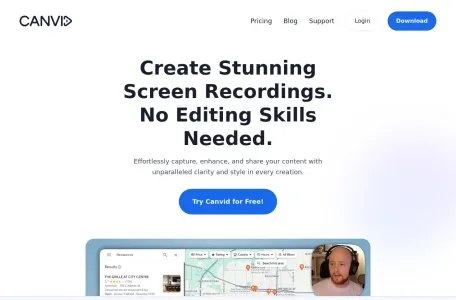
Canvid is a screen recording tool designed to easily capture, enhance and share screen recordings. It offers features like smooth mouse movement, auto-zooming, cinematic motion blur, and background effects, making it ideal for creating high-quality presentations, tutorials, and promotional videos without advanced editing skills.
How to use Canvid?
Capture the screen with just one click, enhance it with auto-zoom and AI background effects, add subtitles, and finally share the finished video instantly via cloud upload or local save.
Canvid’s core features
Auto scaling
AI background effect
Automatic subtitles and transcriptions
Simple screen recording
Share instantly
AI enhanced speech
Creative camera features
AI background effect
Automatic subtitles and transcriptions
Simple screen recording
Share instantly
AI enhanced speech
Creative camera features
Related
Voice Translator
Online AI video translator, enabling fast and straightforward language translation.
CallNote AI
An AI-driven tool used for automatically taking notes during sales calls and generating follow-up reports.
Speechki
An artificial intelligence-based text-to-speech solution that supports multiple languages and delivers authentic voices.
Audiolabs
A platform that converts podcasts into short social media videos.
VidNarrate
A tool that uses AI to easily generate faceless videos.
Speech to Text by cantonese.ai
Use the Cantonese speech-to-text conversion service provided by RapidAPI to convert WhatsApp voice messages into text.