VB Notes
Local Markdown notes with semantic search functionality
Introduction
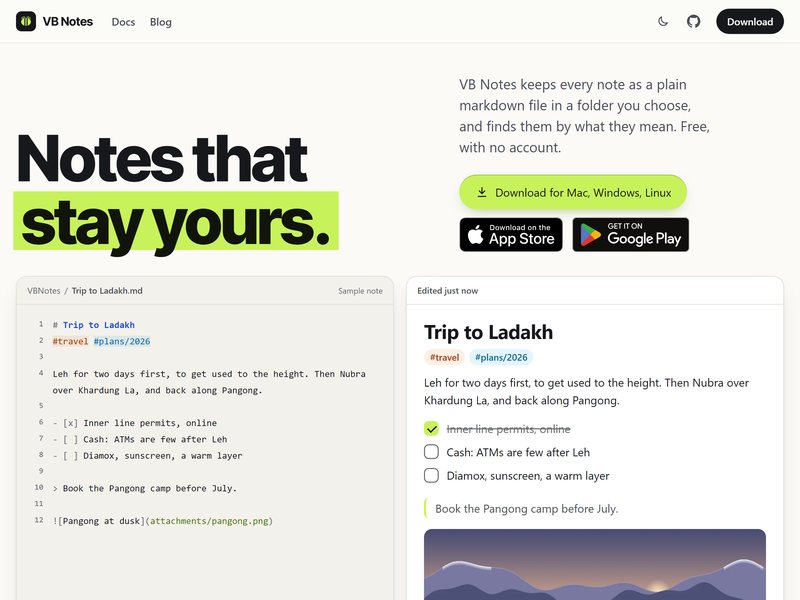
VB Notes is a note-taking application. Each entry is stored as a standard Markdown file in the folder of your choice, allowing you to switch to other software or back up your notes without any restrictions.
Its distinctive feature is its ability to perform searches based on the meaning of the text: if you ask “How much money does my roommate still owe me?”, it will be able to locate the note titled “Sharing the rent with Arjun”, even if not a single word in either question or answer matches. The semantic model runs locally on the device, so the notes are not transmitted elsewhere for processing; precise keyword searches also function just as normally. In addition, this system supports cross-linking between [[note names]], as well as the use of tags and attachments.
It is available for Mac, Windows, and Linux, and it has also been released in the app stores for mobile devices. It is completely free and does not require registration. Anyone who likes the concept of “files belonging to you” implemented by Obsidian and wants more efficient search options should give it a try.