AI TOOL / #05775
Worbler AI
AI-based tools for enhancing the sound and audio effects in videos.
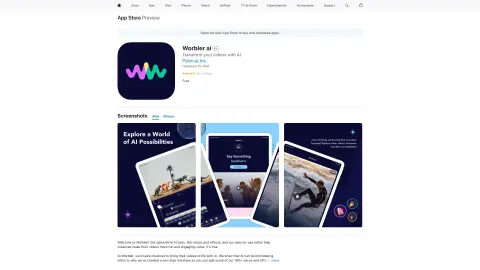
Introduction
Sound tools to enhance videos with AI voices and sound effects.
What is Worbler AI?
Worbler AI is a set of audio effect tools designed to enhance videos by offering over 100 different sound styles and more than 1,000 various effects. It is a creator-centric platform that utilizes paid professionals to provide the voices for its AI technologies, while also ensuring the security of users’ content and data. The app comes with an intuitive editor that makes video creation both fun and engaging, making it suitable for both experienced creators and those new to AI technology.
How to use Worbler AI?
Download the Worbler AI app from the App Store and use its user-friendly editor to add over 100 different sounds and more than 1,000 audio effects to your videos.
The core functions of Worbler AI
A rich library of over 100 different sound styles
Over 1,000 different sound effects
An easy-to-use video editor
Using the AI voices of paid actors
A creator-centric and user-friendly platform
Over 1,000 different sound effects
An easy-to-use video editor
Using the AI voices of paid actors
A creator-centric and user-friendly platform
Related
JotMe for Google Meet
Multilingual AI conference assistant, used for transcription, translation, and automatic document generation.
AudioTTS – Simple Text to Speech Downloader
A Chrome extension designed to download text-to-speech audio files from various platforms.
Open Voice OS
An open-source voice artificial intelligence platform that places a strong emphasis on privacy and offers customized voice control interfaces.
AiNA Extension
Extensions designed for voice input to ChatGPT and for convenient copying of text from web pages.
FileSpeech
FileSpeech converts files into natural speech and supports multiple languages as well as offline access.
Robo Translator
A machine translation service that utilizes AI for the localization of text, audio, and video content locally.