AI TOOL / #05988
NaviVoice: Voice Input Productivity Assistant
Voice-activated assistant that enables hands-free computer control and web browsing.
Introduction
Voice-operated assistant for hands-free computer control and internet browsing.
What is the NaviVoice AI Chrome extension/plugin?
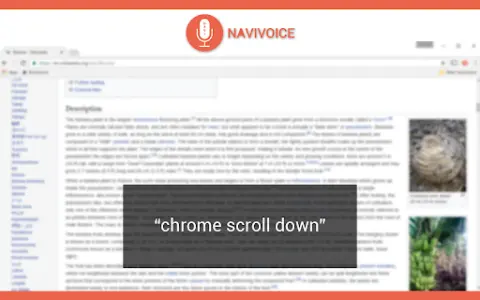
NaviVoice is a voice-controlled productivity assistant that allows users to control their computers and browse the internet using only their voice. It eliminates the need for typing and clicking, making it ideal for users with hand injuries or those who prefer a hands-free experience.
How do I use the NaviVoice AI Chrome extension/plugin?
Install NaviVoice and use your microphone to give voice commands. Say "chrome help" to view available commands.
Core Features of the NaviVoice AI Chrome Extension/Plugin
Voice-Controlled Web Browsing
Click the link using a voice command
Navigate to the website using voice commands
Enter text into a form using voice commands
Control YouTube Videos with Voice Commands
Click the link using a voice command
Navigate to the website using voice commands
Enter text into a form using voice commands
Control YouTube Videos with Voice Commands
Related
NapiBot
API to control smart home devices via Google Assistant.
Looppanel – Record & Transcribe Video
Looppanel automatically records and transcribes meetings and provides AI-based insights for user research.
Cirql
An AI-based platform that automates business tasks and manages emails.
Google Illuminate
AI-powered platforms can generate audio discussions based on research papers, and these discussions can be customized to meet individual learning needs.
PredictionHealth Sidekick
An AI-powered Chrome extension that helps make the process of documenting medical information faster, easier, and more compliant with regulatory requirements.
CPAIT app
AI applications for Chinese pronunciation improvement, providing immediate feedback to help enhance the accuracy of Mandarin pronunciation.