AI TOOL / #06796
AutoPod
An Adobe Premiere Pro plugin for automatic video podcast editing.
Introduction
Adobe Premiere Pro plugin for automatic video podcast editing.
What is AutoPod?
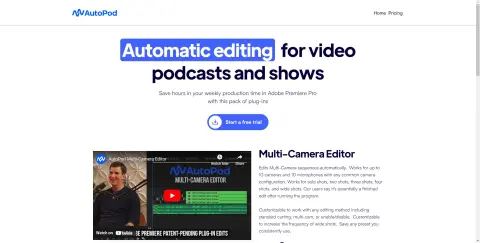
AutoPod is a set of plugins for Adobe Premiere Pro, designed specifically for video podcast and video program editors. It automates tasks such as multi-camera editing, creation of social media-ready content, and seamless editing based on audio silence markers. By streamlining processes that often prove time-consuming for editors, AutoPod helps to save valuable production time every week.
How to use AutoPod?
Install the AutoPod plugin in Adobe Premiere Pro. Open a project file in Premiere Pro, navigate to Window > Extensions, and then click on the desired AutoPod application. Use these tools to automatically edit multi-camera videos, create social media-ready clips, or add transitions based on audio silence.
The core functions of AutoPod
Automatic multi-camera editing
Social media content creation
Jump-cut editing
Social media content creation
Jump-cut editing
Related
TellPip
An AI assistant that quietly provides prompts during conversations
VideoVoice
AI-powered tools for podcast management and audio cleanup.
Augnito
A plug-in that provides speech support for health records software, converting speech to text for efficient report generation.
AskNow
Ask questions to the artificial intelligence avatars of famous individuals to obtain summarized answers.
HelloAIBox
An AI-driven content creation studio that supports various formats, including text, audio, and images.
ソースネクスト・サイトTOP
We offer a wide range of software and IoT products, including those that have been recently released.