AI TOOL / #07070
TranslateAir
AI-driven translation and OCR tools suitable for macOS.
Introduction
AI-powered translation & OCR tool for macOS.
What is TranslateAir?
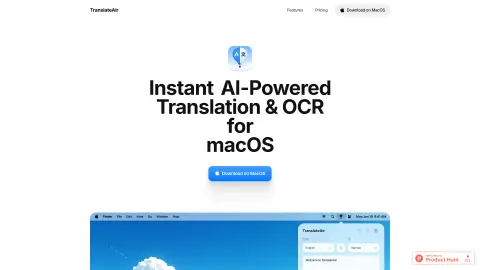
TranslateAir is an AI-powered translation and Optical Character Recognition (OCR) tool designed for macOS. It enables users to instantly translate text from any application, website, or document. Its features include a real-time floating toolbar, intelligent rewriting options, customizable shortcuts, access via the menu bar, as well as advanced OCR capabilities that allow users to capture text from anywhere.
How to use TranslateAir?
Select text from any application, website, or document. A floating toolbar will immediately appear beside it, making the translation process extremely easy. You can also use custom keyboard shortcuts to initiate translations or perform OCR operations.
The core functions of TranslateAir
AI-driven translation
Intelligent rewriting
pop-up translation
Text OCR extraction
keyboard shortcuts
Multi-language support
Intelligent rewriting
pop-up translation
Text OCR extraction
keyboard shortcuts
Multi-language support
Related
OpenALPR
A solution for automatic license plate and vehicle recognition.
Q – The Ultimate AI Voice Chatbot
Advanced AI-powered voice chat robots that are capable of conducting voice conversations, generating images, and possessing customizable personalities.
OCR Text Recognition
A free, versatile PDF software for viewing, editing, converting, and managing PDF files.
Block Blast Solver
Free block blast solver that uses AI analysis to provide the best moves.
NeckCheckUp: Prevent Neck Pain
Neck detection tools help prevent neck pain by facilitating stretching and utilizing artificial intelligence-based techniques to monitor flexibility.
Raster
Raster is an AI-powered digital asset management system designed for organizing, editing, and storing photos.