AI TOOL / #07091
ScreenRedact
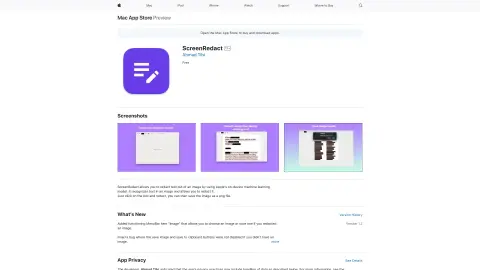
A Mac application designed to use local machine learning techniques to identify and highlight text within images.
Introduction
Mac app for redacting text in images using on-device machine learning.
What is ScreenRedact?
ScreenRedact is a Mac application developed by Ahmad Tibi that allows users to quickly conceal sensitive information from images. It utilizes Apple’s native machine learning technology to identify text within images and provides a user-friendly interface for masking those areas. The modified images can then be saved in PNG format.
How to use ScreenRedact?
Open an image in ScreenRedact, and the application will automatically detect any text present. Click on the text to darken it. Save the darkened image as a PNG file.
The core functions of ScreenRedact
Using Apple’s native machine learning technologies for text masking/darkening.
Save the image in PNG format.
Copy the image to the clipboard.
Save the image in PNG format.
Copy the image to the clipboard.
Related
Google Lens Image Search – Search What You See
A browser extension designed for image searching, analysis, and downloading, compatible with multiple search engines.
New shim-cli
Privacy audit of content sent by programming intelligent agents
Vespio.ai
Vespio AI: Predict customer interest, improve sales presentations, and provide meeting insights.
Flavorish
Flavorish simplifies the cooking process through AI-based recipes, shopping lists, and organizational tools for recipe management.
Creative magic panel
Photoshop panels and plug-ins to enhance creativity and speed up photo editing.
Harvy AI Compliance Co-Pilot
The AI platform is utilized to automate the processing of NHVR work logs and ensure compliance with relevant regulations.