AI TOOL / #07230
hahaOCR
Extract text from the image; press the ESC key to exit.
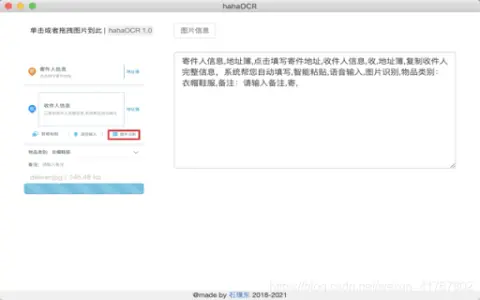
Introduction
Extract text from images and exit with ESC.
What are the Image to Text and ESC Exit App AI Chrome extensions/plugs?
This application allows users to extract text from images and convert it into editable text. Users can upload images by clicking a button and exit the application by pressing the “ESC” key.
How to use the Image to Text & ESC Exit App AI Chrome extension/plug-in?
Click the upload button to select an image. The application will automatically extract the text from the image and display it. Press the “ESC” key to exit the application.
The core functionality of the Image to Text and ESC Exit App AI Chrome extension/plugin.
Image to Text conversion
Use the ESC key to exit the function.
Use the ESC key to exit the function.
Related
AI Art Prompt Generator
A library designed for providing prompts to Midjourney and generating SREF codes, accompanied by AI tools and guidelines.
GPT Google Form Builder
A tool that allows for the rapid creation of Google Forms using AI and document import functionality.
Handwriting OCR
Using artificial intelligence platforms, handwritten text can be converted into high-precision and secure digital text.
PDNob PDF Editor
An AI-powered PDF editor compatible with both Windows and Mac, offering comprehensive PDF management features.
Attentionkart
An emotion and behavior monitoring platform based on artificial intelligence, designed to optimize customer interactions and operational processes.
ScantextAI
ScanTextAI is an online OCR service designed to extract text from images.