AI TOOL / #07326
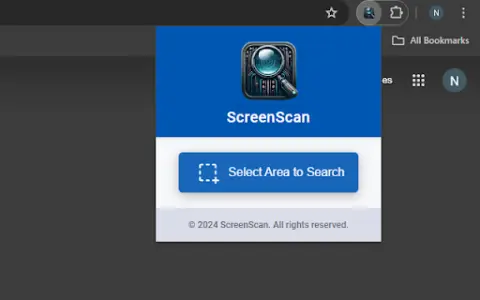
ScreenScan – Instant Screenshot Search
Google Lens: Instantly capture, search, and explore images, videos, and text online.
Introduction
Google Lens: Instantly capture, search, and explore images, videos, and text on the web.
What is the Google Lens AI Chrome extension/plugin?
Google Lens is a powerful tool that allows users to instantly capture, search, and explore any image, video, or text online with a simple tap. It uses advanced image recognition technology to provide relevant information and insights based on what it sees. Whether you want to identify a plant, translate text in real time, find similar products, or learn about a landmark, Google Lens can help you discover more about the world around you.
How do I use the Google Lens AI Chrome extension/plugin?
Simply tap an image, video, or text on a web page, and Google Lens will analyze the content and provide relevant information, search results, and related actions.
Core Features of the Google Lens AI Chrome Extension/Plugin
Image Recognition
Text Translation
Product Identification
Object Recognition
Visual Search
Text Translation
Product Identification
Object Recognition
Visual Search
Related
Jewelry Appraisal Assistant
Free online jewelry appraisal, utilizing AI technology and the expertise of appraisers.
Dore AI
DoreAI: An AI mobile development kit designed for use in iOS and Android applications.
Yomitai
Yomitai is a Japanese-language reading assistant that helps users identify and read Japanese text contained within images.
Zoom Media Asset Management System
An artificial intelligence-powered digital asset management solution designed for managing and accessing media assets.
FaceRate.ai
FaceRate.ai: An AI-powered tool for assessing facial attractiveness and providing detailed analysis of facial features.
Funny Face
In the conference video, use p5.js and face-api.js to replace the cartoon elements that represent faces.