AI TOOL / #07472
Iris
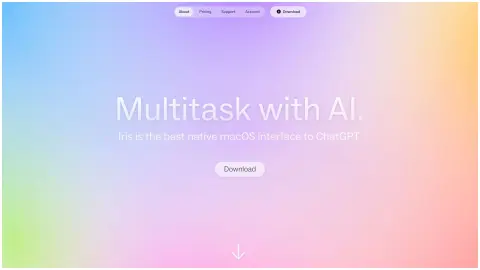
The ChatGPT interface on macOS, featuring quick access and versatility.
Introduction
macOS interface to ChatGPT with quick access and versatile features.
What is Iris?
Iris is a native ChatGPT interface for macOS, designed to be available whenever you need it and invisible when you don’t. It lets users talk to Iris in any app, quickly capture images to discuss anything on screen, and keep their workflow going by dragging Iris to either side of the screen. It uses the latest models and offers unlimited use, natural gestures, simple keyboard shortcuts, and the ability to insert information during a response. Iris also supports Markdown and code display with syntax highlighting.
How do I use Iris?
Use natural gestures like swiping to open, close, and drag Iris. Double-press the ⌥ key to open/close Iris. Press ⌥ + Tab to drag Iris to either side. Use ⌘ + ↑ + 1 to capture the screen. Send messages to Iris at any time, even before it has finished responding.
Core Features of Iris
A native macOS interface for ChatGPT
Image Capture and Discussion
Drag to either side of the screen.
Use the latest model.
No rate limit
Natural gestures and keyboard shortcuts
Supports Markdown and code
Image Capture and Discussion
Drag to either side of the screen.
Use the latest model.
No rate limit
Natural gestures and keyboard shortcuts
Supports Markdown and code
Related
ScholarAI
An AI platform that generates notes and educational materials for students.
realeye.io
An online webcam-based eye-tracking platform for research and analysis.
PONGO
An open-source visual language model that enables the understanding of images through textual prompts.
Diagramming AI
An AI-driven platform for creating, editing, and discussing UML diagrams and workflows.
Conversease
An AI chat platform interface designed for seamless interaction with OpenAI and Mistral models.
SearchWithin Extension
Software that uses OpenAI for summarizing, querying, and learning from PDFs and web pages.