AI TOOL / #09926
MacGaiver
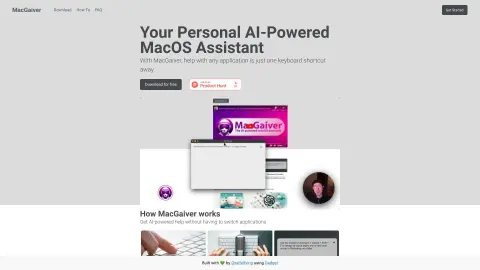
An AI-powered macOS assistant that uses computer vision to answer questions regarding any application.
Introduction
AI-powered macOS assistant that answers questions about any application using computer vision.
What is MacGaiver?
MacGaiver is an AI-powered macOS assistant that utilizes computer vision to answer questions regarding any application. By pressing a keyboard shortcut and posing your question, you can get assistance without leaving the current window. MacGaiver uses the OpenAI Vision API to provide answers in the context of your query.
How to use MacGaiver?
In any application, you can activate MacGaiver using keyboard shortcuts to submit your question—either in audio or text form. MacGaiver will then respond using answers derived from the context, relying on OpenAI GPT-V for its functionality.
The core features of MacGaiver
Provide AI-powered assistance within any macOS application.
Utilize computer vision to provide context-based answers.
Activate keyboard shortcuts
Integration with the OpenAI Vision API
Utilize computer vision to provide context-based answers.
Activate keyboard shortcuts
Integration with the OpenAI Vision API
Related
New Wayground
Originally Quizizz, an AI-based lesson preparation tool used by teachers.
Browser Use
Browser usage enables artificial intelligence to control the browser, automate interactions and extract data from websites.
GenPPT – AI PowerPoint Generator
An AI-powered presentation tool that allows you to create PowerPoint presentations quickly and easily.
Social Wizard: Level Up Skills
Master social skills and improve conversations with AI-powered tools.
Kami
Smart home security solutions feature AI-based alerts and emergency response mechanisms.
Blume Sidecar
Desktop tool for monitoring AI coding agents